
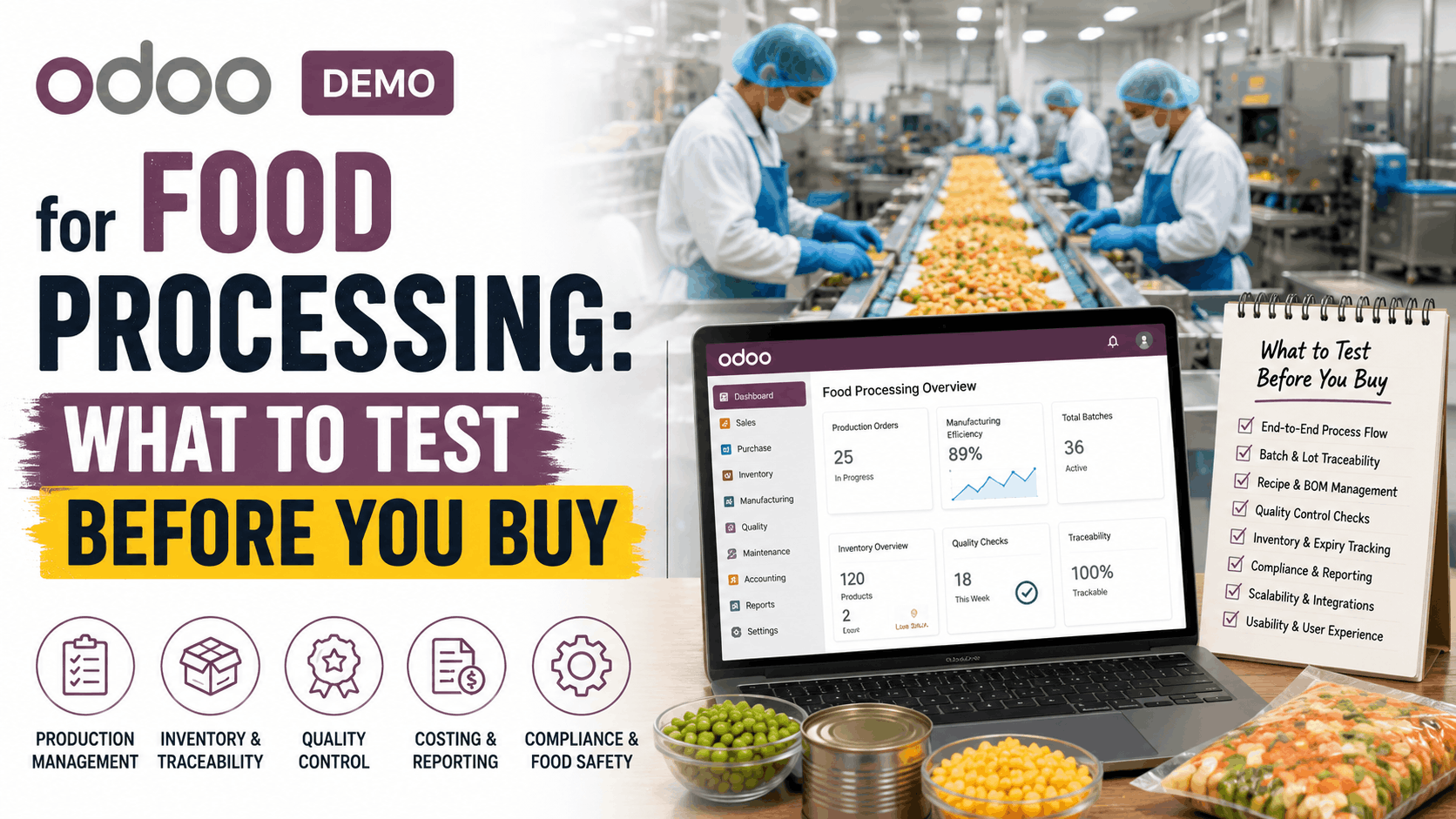
A generic ERP demo will show you a sales order, a purchase order, and a nice dashboard. None of that tells you whether the system can survive a real recall, an FSSAI or FDA audit, or a raw material batch that fails a quality check halfway through production.
If you run a food processing operation, dairy, bakery, snacks, beverages, spices, or packaged foods, the questions that matter are narrower and more specific than what most Odoo demos are built to answer. Before you sit through another generic Odoo demo for food processing, this article lays out exactly what to ask your implementation partner to demonstrate, why each scenario matters, and what a weak answer looks like versus a strong one.
Why a Standard Odoo Demo Doesn’t Prove Much for Food Manufacturers
Odoo’s core Inventory and Manufacturing apps are built as general-purpose tools. Lot tracking, expiry dates, and quality checkpoints all exist in the standard product, but none of them are configured for food-specific workflows out of the box. A partner running a stock demo can make Odoo look capable without ever touching the three things that actually break food operations: batch genealogy, removal strategy, and quality gating.
That’s the gap this checklist is built to close.
Scenario 1: Ask for a Backward and Forward Trace, Not Just “Lot Tracking”
Every food ERP claims to support “lot and serial tracking.” The real question is whether it supports one-up, one-back traceability: tracing a finished product batch back to every raw material lot that went into it, and tracing a raw material lot forward to every finished product and customer it touched.
What to ask for in the demo: Pick a hypothetical finished goods lot and ask the partner to trace it backward to raw material receipts, then pick a raw material lot and trace it forward to customer deliveries.
In Odoo, this works because every lot and serial number carries a full stock move history. A quality manager can open a lot record and see every operation it participated in, inbound and outbound, without exporting anything to a spreadsheet. If your demo partner has to manually cross-reference reports to answer this, that’s a configuration gap, not a system limitation.
Fail signal: The partner can show you inventory on hand for a lot but can’t trace it through a manufacturing order to its components in under a couple of minutes.
Scenario 2: Confirm FEFO, Not Just FIFO
Most ERP demos default to FIFO (First In, First Out) removal, which works fine for non-perishable goods. Food processors dealing with dairy, bakery items, or anything with a defined shelf life need FEFO (First Expired, First Out): stock gets picked based on which lot expires soonest, not which one arrived first.
What to ask for in the demo: Set up two lots of the same product with different expiration dates, then generate a delivery and confirm which lot Odoo picks automatically.
Odoo’s product_expiry functionality assigns four dates to a lot: a Best Before Date, a Use Date (hard expiry), a Removal Date (when stock should be pulled proactively), and an Alert Date (an internal warning trigger before removal). FEFO uses these dates to drive the removal strategy at the warehouse level. This is configured per storage location, so it’s worth confirming your partner sets it at the right level rather than relying on manual picking discipline.
Fail signal: The demo shows expiry dates as a field on the product form but never demonstrates that removal strategy actually changes picking behavior.
Scenario 3: Walk Through a Failed Quality Check, Not Just a Quality Report
Quality control in food processing isn’t a report generated at month-end. It’s a gate that blocks bad material from moving forward. Odoo’s Quality app supports checkpoints at three stages: incoming quality checks (IQC) on raw materials at receiving, in-process checks (IPQC) during manufacturing, and final checks (FQC) before shipping.
What to ask for in the demo: Ask the partner to fail an incoming quality check on a raw material lot and show you what happens next. Does the lot actually get blocked from being consumed in a manufacturing order, or does it just log a warning?
This is the difference between a system that documents quality and one that enforces it. A properly configured setup blocks the flagged lot at the point of consumption until someone with the right role clears it.
Fail signal: Quality checks exist as standalone records with no link to whether the material can actually be used in production.
Scenario 4: Ask How Allergens Are Flagged on the Bill of Materials
Odoo doesn’t have a dedicated “allergen” field out of the box. This is typically handled through product attributes, tags, or a custom field surfaced on the Bill of Materials (BoM) and product label. What matters isn’t whether the feature exists natively; it’s whether your partner has a clean way to make allergen information visible to production staff and traceable through to the finished product.
What to ask for in the demo: Ask how an allergen change on a raw material, say a switch to a soy-based ingredient, gets flagged to anyone using that component in a recipe.
Be direct with your partner here. If they claim Odoo has built-in allergen management as a standard feature, that’s not accurate. It’s a configuration built on top of standard product attributes, and asking to see it configured live tells you whether they’ve actually done this before for a food client.
Scenario 5: Check Yield and Scrap Handling in the Bill of Materials
Food production rarely converts 100% of raw material into finished product. Moisture loss during baking, trim waste, or rejected units during a QC step all affect actual yield versus theoretical yield from the BoM.
What to ask for in the demo: Run a manufacturing order for a recipe-based product and ask the partner to show where yield variance and scrap get recorded, and how that flows into product costing.
Odoo’s Manufacturing app supports byproducts and scrap orders within the BoM structure, letting a work order log unplanned material loss separately from the finished output. Whether this connects cleanly to costing depends on setup. Ask to see an actual cost report after a production run, not just the BoM screen.
Fail signal: The BoM shows theoretical quantities only, with no mechanism to record what actually happened on the shop floor.
Scenario 6: Run a Mock Recall
This is the scenario that separates a demo built to impress from a demo built to prove readiness. GFSI-aligned standards like SQF, BRC, and FSSC 22000 expect food businesses to be able to run a mock recall and account for every unit of an affected lot within a defined time window.
What to ask for in the demo: Pick a finished goods lot, forward-trace it to every customer that received product from it, and time how long the exercise takes.
If your team can’t get from lot number to a complete customer list within a few minutes using the system as configured, that’s a real operational risk, not a hypothetical one.
What This Means for Your Odoo Demo for Food Processing Evaluation
None of these six scenarios require custom development to test. They’re all standard Odoo Inventory, Manufacturing, and Quality functionality. What varies enormously between implementation partners is whether these workflows have actually been configured and tested for a food processing use case, or whether you’re looking at a stock demo database that happens to include a food-sounding product name.
Ask for these scenarios specifically, in this order, before evaluating pricing or timeline. A partner who can run through all six without hesitation has done this work before. A partner who needs to “follow up on that” for more than one or two of them is telling you something about the implementation ahead.
Frequently Asked Questions
Does Odoo support batch and lot tracking for food products out of the box?
Yes. Lot and serial number tracking is a standard Inventory app feature, and expiration date tracking (Best Before, Use Date, Removal Date, Alert Date) is enabled through the same module once lots are activated. Configuration for food-specific removal strategy and reporting still needs to be set up correctly.
What’s the difference between FIFO and FEFO in Odoo, and which one do I need?
FIFO ships the oldest received stock first; FEFO ships the stock closest to its expiration date first, regardless of receipt order. Perishable food products almost always need FEFO, since a later-arriving batch can still expire sooner than one used to determine FIFO order.
Can Odoo block production if a raw material fails quality inspection?
Yes, if the Quality app is configured with an incoming quality check (IQC) tied to the relevant product or vendor. A failed check can hold the lot from being consumed in a manufacturing order until it’s manually released. This isn’t automatic without configuration.
Does Odoo have built-in allergen management?
Not as a dedicated feature. Allergen visibility is typically built using product attributes, tags, or custom fields surfaced on the BoM and product label. Ask any partner claiming otherwise to demonstrate it live.
How does Odoo handle a product recall?
Odoo doesn’t ship a dedicated “recall” module in the base Manufacturing or Inventory apps, but the underlying lot traceability (forward and backward tracing through stock moves) provides the data needed to build a recall list manually or through a lightweight workflow. Some Odoo apps in the marketplace add a formal recall record with status tracking on top of this.
Is Odoo suitable for a small or mid-sized food processing unit, or only large plants?
It scales in both directions. Smaller processors often start with Inventory, Manufacturing, and Quality, and add Purchase and Accounting as needed, without paying for functionality they don’t use yet, which is harder to do with rigid, large-plant-oriented food ERPs.
What should I check about Odoo version before starting an implementation?
Feature availability for expiry management, quality checkpoints, and MRP byproducts has evolved across recent Odoo versions. Confirm which version your partner is proposing and ask them to demo on that exact version rather than an older one.
Where to Go From Here
If you’re evaluating an Odoo demo for food processing, the fastest way to separate a capable partner from an average one is to walk in with this list of scenarios rather than a feature checklist. We run these exact demo scenarios for food and beverage manufacturers, configured against real production data rather than a generic sample database. Reach out if you’d like to see them live.